

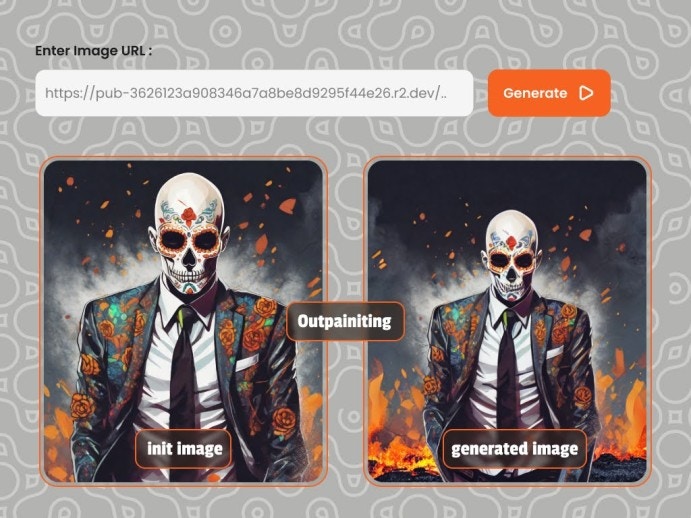
Request[
Make aPOST request to below endpoint and pass the required parameters as a request body to the endpoint.
curl
Body
json
Body Attributes
string
required
Your API Key used for request authorization
string
default:"high quality"
The text prompt to guide image generation.
string
default:"low quality"
Aspects to avoid in the generated image.
string
required
URL of the initial image to outpaint
integer
default:"1280"
Width of the output image. Max: 1440
integer
default:"720"
Height of the output image. Max: 1440
integer
default:"10"
Width of the mask overlap area. Max: 42
integer
default:"10"
Number of denoising steps. Max: 30
number
default:"8.0"
How closely to follow the prompt
integer
Seed for reproducible results (-1 or 0 for random)
boolean
default:"true"
Whether to save output temporarily
boolean
default:"false"
Whether the
image is base64 encodedstring
Set a URL to get a POST API call once the image generation is complete
integer
This ID is returned in the response to the webhook API call. This will be used to identify the webhook request