

Text to Image
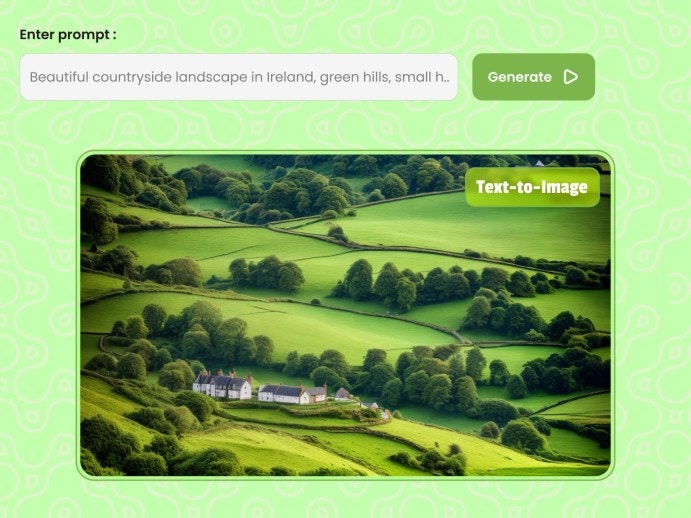
The Dreambooth Text to Image API is used to create image from text based on trained or on public models.
POST
Text-to-Image
You can make an API call to your trained models as well as to any public model.
You can find a list of the public models available and their IDs here
Request
Make aPOST request to endpoint and pass the required parameters as a request body.
curl
Body
The model_id:“flux” does not support the following parameters
negative_prompt, enhance_prompt,enhance_style, lora trained on SD models, ip_adaptors, upscale and highres_fix .You can also use multi Lora. Just make sure to pass comma saparated lora model ids to the
lora_model as "more_details,animie" in the request body.Body
json
Body
application/json
Available schedulers for image generation.
Available options:
DDPMScheduler, DDIMScheduler, PNDMScheduler, LMSDiscreteScheduler, EulerDiscreteScheduler, EulerAncestralDiscreteScheduler, DPMSolverMultistepScheduler, HeunDiscreteScheduler, KDPM2DiscreteScheduler, DPMSolverSinglestepScheduler, KDPM2AncestralDiscreteScheduler, UniPCMultistepScheduler, DDIMInverseScheduler, DEISMultistepScheduler, IPNDMScheduler, KarrasVeScheduler, ScoreSdeVeScheduler, LCMScheduler Response
Text-to-image generation response
- Option 1
- Option 2
- Option 3