

Request
Make aPOST request to below endpoint and pass the required parameters as a request body to the endpoint.
curl
Body
json
Body Attributes
string
required
Your API Key used for request authorization
string
required
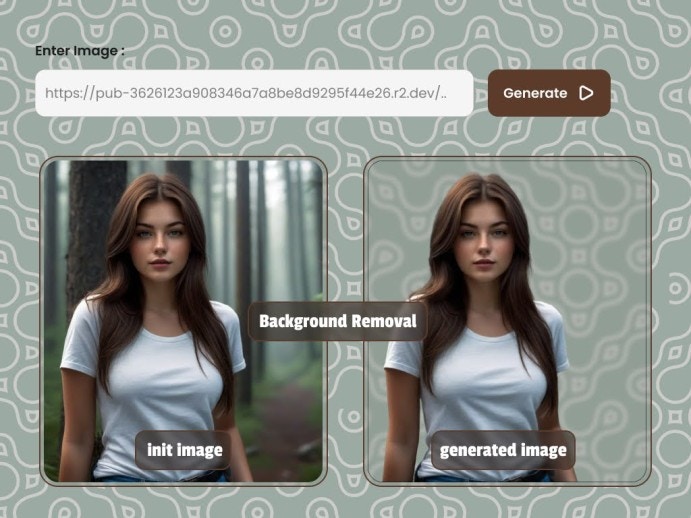
URL of the image you want to remove and create its mask
boolean
default:"false"
Whether to perform alpha matting. Accepts
true or falseboolean
default:"false"
To post process the mask image. Accepts
true or falseboolean
default:"false"
Whether to return only mask image or not. Accepts
true or falseinteger
Seed is used to reproduce results. Same seed will give same image. Pass
null for a random numberinteger
default:"240"
Threshold for alpha matting foreground
integer
default:"20"
Threshold for alpha matting background
integer
default:"5"
Erode size for alpha matting
string
Set a URL to get a POST API call once the image generation is complete
string
This ID is returned in the response to the webhook API call. This will be used to identify the webhook request